Connecting to WiFi
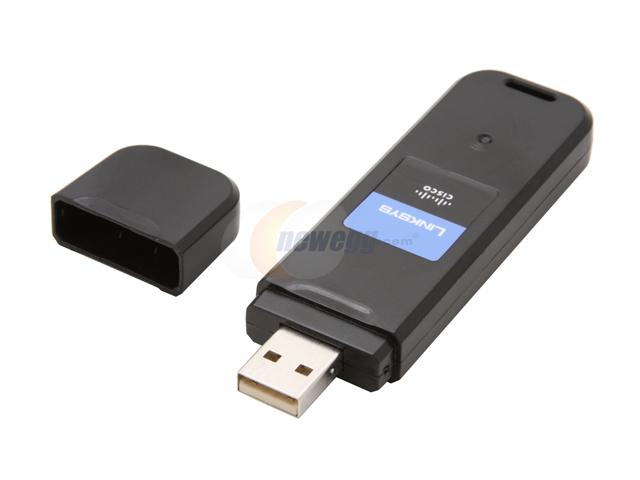
Small USB adapters with built-in antennas are suitable for connections to very local LAN's. e.g. to a router in a house. In Forest Park those close to the transmitting antenna may get usable connections to the Park units from outside the house. With very favorable factors, they may also be usable indoors. For instance, at 323 Shrub Lane South, I can connect with a Netgear unit. Same in clubhouse.
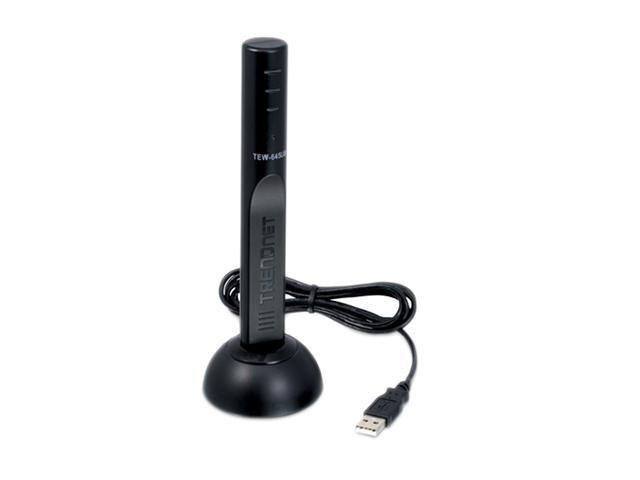
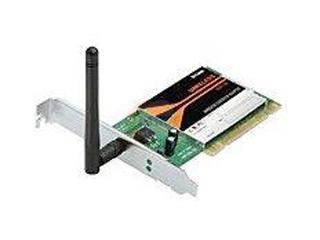
Wireless USB or PCI card units that have an outside antenna are more sensitive than those with built in antennas, but are still limited.
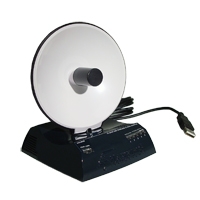
The Hawking dish adapters do better than either of the above. We have four working well in locations where plain adapters were not reliable.
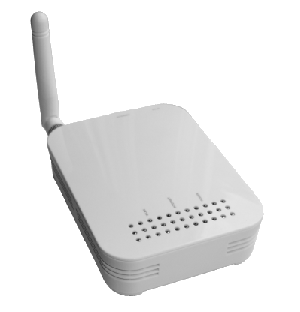
1.
The "White box" units are more sensitive than plain adapters
but probably not much better than the Hawking for reception in weak areas.
2.
Most modern laptops are as capable as a "white box", and maybe
even the Hawking.
3.
A "white box" with an external antenna, mounted to
"see" the transmitter will work any where in the Park.
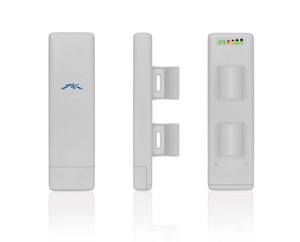
An integrated AP/bridge unit, (e.g. Ubiquiti), mounted to "see" the transmitter, should be as capable as the "white box"/external antenna combo.
Suggestions for connection to candidate computers:
l) Test outside the house for
connection with a laptop/netbook. If OK, go to>2
2) Test with laptop/netbook inside
where computer is used, if OK, go to>3
3) Connect with a Hawking if
computer is stationary within the house,
or
4 ) Connect with a
"white box" if computer will be initially connected by cat5 then to a
router etc.
6) If situation at 2) is uncertain, try AP/bridge indoors close to window etc.